
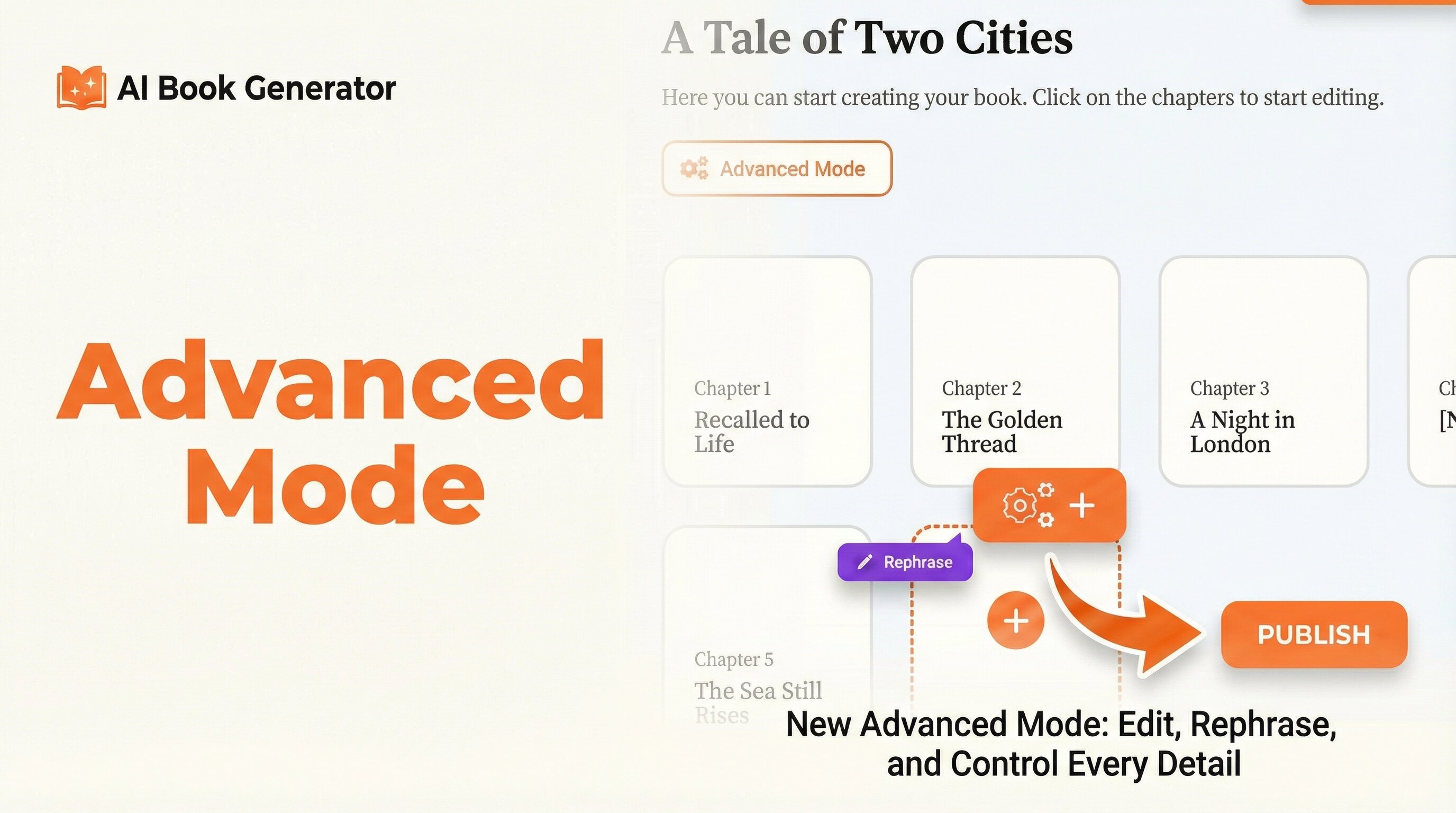
Today we're introducing Advanced Mode, a brand-new way to create books on AI Book Generator. Instead of letting the AI generate everything at once, Advanced Mode gives you complete, step-by-step control over every chapter, every subchapter, and every word of your book.
A Different Way to Write
Until now, the fastest way to create a book with AI Book Generator was to fill in your details and let the AI produce a complete manuscript in one shot. That works brilliantly for many authors. But we kept hearing from users who wanted more: more say in the structure, more ability to tweak individual sections, more ownership over the final result.
Advanced Mode is the answer. It's a fully manual, chapter-by-chapter workflow where you stay in the driver's seat at every stage of the writing process.
How Advanced Mode Works
When you start a book in Advanced Mode, the AI generates a structured outline — chapters and subchapters — which you can immediately begin customizing. From there, you work your way through the book one section at a time:
The Advanced Mode Workflow
- Set up your book: Enter title, author, language, genre, and a description
- Review the chapter structure: Add, remove, or rename chapters freely
- Dive into each chapter: Expand into subchapters and manage each keypoint
- Generate content section by section: Click generate on any subchapter when you're ready
- Edit and refine: Manually edit the generated text directly in the editor
- Rephrase with AI: Select any passage and ask the AI to rephrase it instantly
- Mark as completed: Keep track of your progress as you finish each section
There's no obligation to generate everything — you can write some sections yourself, let the AI handle others, and mix freely depending on what each part of your book needs.
Full Structural Control
One of the most powerful aspects of Advanced Mode is how much control you have over the shape of your book before a single word is written.
Chapters
- Add new chapters at any point in the process
- Edit the title and description of any chapter
- Delete chapters that no longer fit your vision
- Reorder the narrative structure to match your intentions
Subchapters
- Add or remove subchapters (keypoints) within any chapter
- Rename subchapters to guide the AI more precisely
- Control exactly how many sections each chapter contains
- Navigate between sections with a clear visual overview
The result is a book structure that truly reflects your vision — not just an AI's interpretation of a brief description.
The Subchapter Editor
At the heart of Advanced Mode is the subchapter editor — a focused writing environment where you can generate, read, edit, and save content one section at a time.
What You Can Do in the Editor
- Generate: Hit the magic wand to produce AI content for that specific subchapter
- Regenerate: Not happy with the result? Generate again with one click
- Edit manually: The editor is fully writable — change anything, add your own prose, restructure paragraphs
- Save: Save your work at any time with the save button, or rely on autosave every 30 seconds
- Mark as completed: Once a subchapter is ready, mark it done and see it flagged green across the whole view
At any moment you can see exactly where you are in the book, which sections are done, and what's still left to write.
AI Rephrase: Refine Any Passage Instantly
Advanced Mode includes a powerful inline rephrase tool. Simply select any portion of text in the editor, and a Rephrase button appears. Click it and the AI rewrites just that selection — keeping the meaning, improving the phrasing.
This is perfect for:
- Smoothing out awkward sentences after generation
- Adjusting the tone of a specific paragraph
- Refreshing passages you wrote yourself but want to improve
- Getting a second opinion on any section without regenerating the whole subchapter
The rephrase tool is precise and surgical — it only touches what you've selected, leaving everything else exactly as it was.
Works with Both Spark and Oracle
Advanced Mode is fully compatible with both of our AI models. The choice of model affects the quality and length of each generated section, while Advanced Mode controls the workflow:
| Feature | Spark + Advanced Mode | Oracle + Advanced Mode |
|---|---|---|
| Chapter-by-chapter control | ✓ Full control | ✓ Full control |
| Content quality | Fast, solid output | Premium, literary output |
| Best for | Guides, non-fiction, fast drafts | Novels, complex narratives |
| Full Context support | ✓ Available | ✓ Available |
| Rephrase tool | ✓ Included | ✓ Included |
Who Is Advanced Mode For?
Advanced Mode was designed for authors who want AI as a collaborator, not just an autonomous generator. It's especially valuable if:
You're writing complex fiction
When plot threads, character arcs, and world-building details need to stay consistent chapter by chapter, having full control over each section — and being able to refine it before moving on — makes a real difference.
You have a strong personal voice
If you want the final book to sound like you, Advanced Mode lets you write the sections that matter most in your own words, while using AI to accelerate the parts that are more mechanical.
You're producing professional or technical content
Guidebooks, textbooks, business books, and technical manuals often require precise, accurate content in each section. Advanced Mode lets you review and validate every paragraph before moving forward.
You want to learn as you write
The chapter-by-chapter approach is also a great way to stay engaged with your book's development rather than receiving a finished manuscript all at once.
Pro Tip
Combine Advanced Mode with Full Context for the best results on long fiction. Full Context gives the AI complete awareness of your entire story so far — meaning each new subchapter you generate will naturally continue from where the previous one left off, maintaining perfect narrative coherence.
Autosave — Never Lose Your Work
We know how frustrating it is to lose a paragraph you spent time crafting. Advanced Mode includes automatic saving every 30 seconds in the background. A small "Autosaved" indicator confirms your work is safe without interrupting your flow. You can also save manually at any time using the save button in the editor toolbar.
Getting Started with Advanced Mode
Advanced Mode is live now and available to all users. To try it:
- Go to your Dashboard
- Click Create New Book
- Select Advanced Mode from the generation options
- Fill in your book details and start building your structure
Your existing books are not affected — Standard Mode remains available, and you can choose whichever approach fits your project.
The Best of Both Worlds
We built Advanced Mode because great books often require a human touch that no amount of AI automation can fully replace. With Advanced Mode, you get the speed and intelligence of AI generation combined with the precision and intent of a hands-on author.
Whether you use it for every section or just a few key chapters, it puts you exactly where you should be: in control of your story.
Take Full Control of Your Book
Advanced Mode is live now. Build your book chapter by chapter, your way.
Try Advanced Mode Now